Work
Word Practice Terminal
An early terminal-based spelling game that turns a user-selected word into five progressive rounds of letter-by-letter recall, definitions, streaks, and coin scoring.
Context
Word Practice began as a small exploration of whether a command-line interface could make spelling practice feel playful. Rather than presenting a fixed list, the prototype looks up a word supplied by the player, shows its definition, and asks for the hidden letters one at a time.
How it works
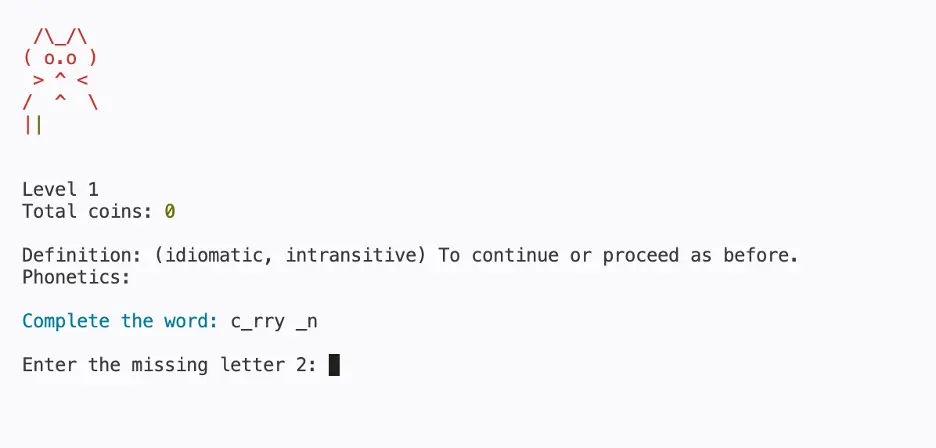
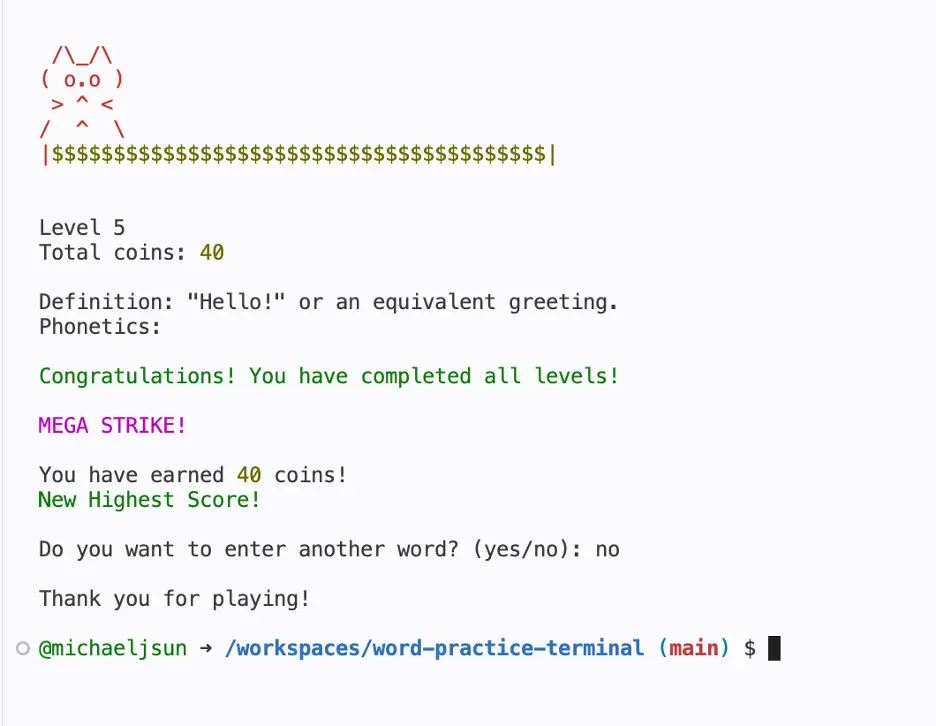
A session moves through five levels. It begins by hiding vowels, then consonants; later levels reveal only the first and last letters, only the first letter, and finally no letters at all. A correct guess extends the current streak and earns the next value in that streak. An incorrect guess resets it to zero.
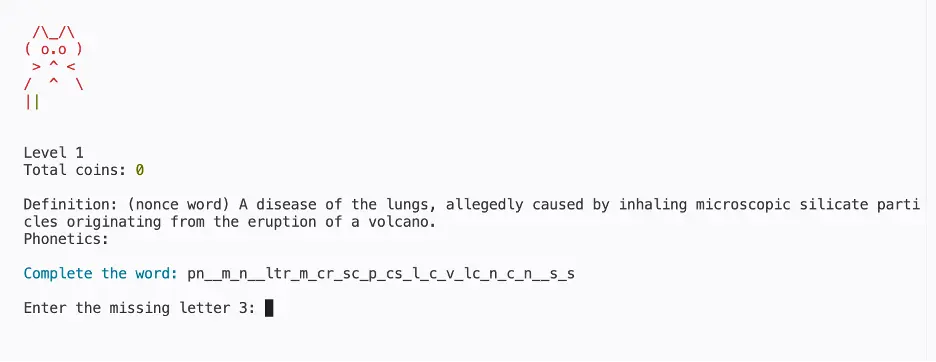
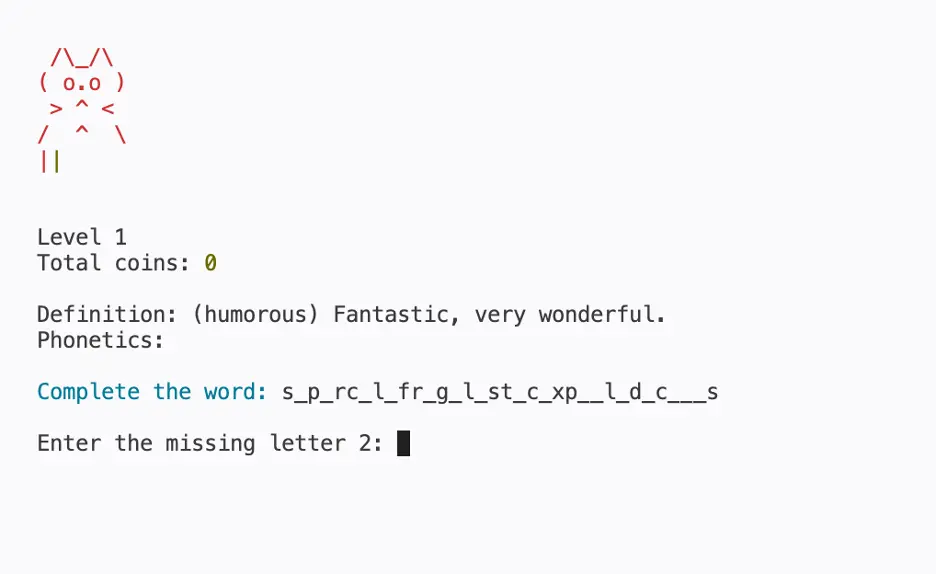
The score therefore rewards both accuracy and length. Long words contain more opportunities to maintain a streak, so words such as supercalifragilisticexpialidocious and pneumonoultramicroscopicsilicovolcanoconiosis can produce much larger totals when completed without an error.
Terminal captures
Captured from the original terminal interface. The cat, sack of coins, color feedback, definition, and prompt are all part of the Python prototype.
Run the original
The source remains a terminal application, rather than a browser rewrite. Open it in GitHub Codespaces, install the two Python dependencies, and run the script from the integrated terminal.
- Open the repository in Codespaces.
- Run
python -m pip install -r requirements.txt. - Run
python word_practice_free.py. - Enter a lowercase English word or phrase and follow each prompt.
Technical notes
The project uses Python with requests and colorama. It saves a personal best to highest_score.txt in the local working directory. DictionaryAPI is preferred for definitions and phonetics; Datamuse provides a definition fallback when a terminal environment is challenged by DictionaryAPI's bot protection. The fallback does not supply phonetics.
The game is preserved as an early prototype: its direct prompts, screen clears, ASCII cat, and local score file are intentional records of the original interaction design.