Project
tempo
Tempo is a focused workout interval timer built to make training easier to start and easier to stay with. What began as a calm set of interval presets has grown into a personal training companion with saved plans, flexible sessions, favorite workouts, and reliable cues.
How It Works
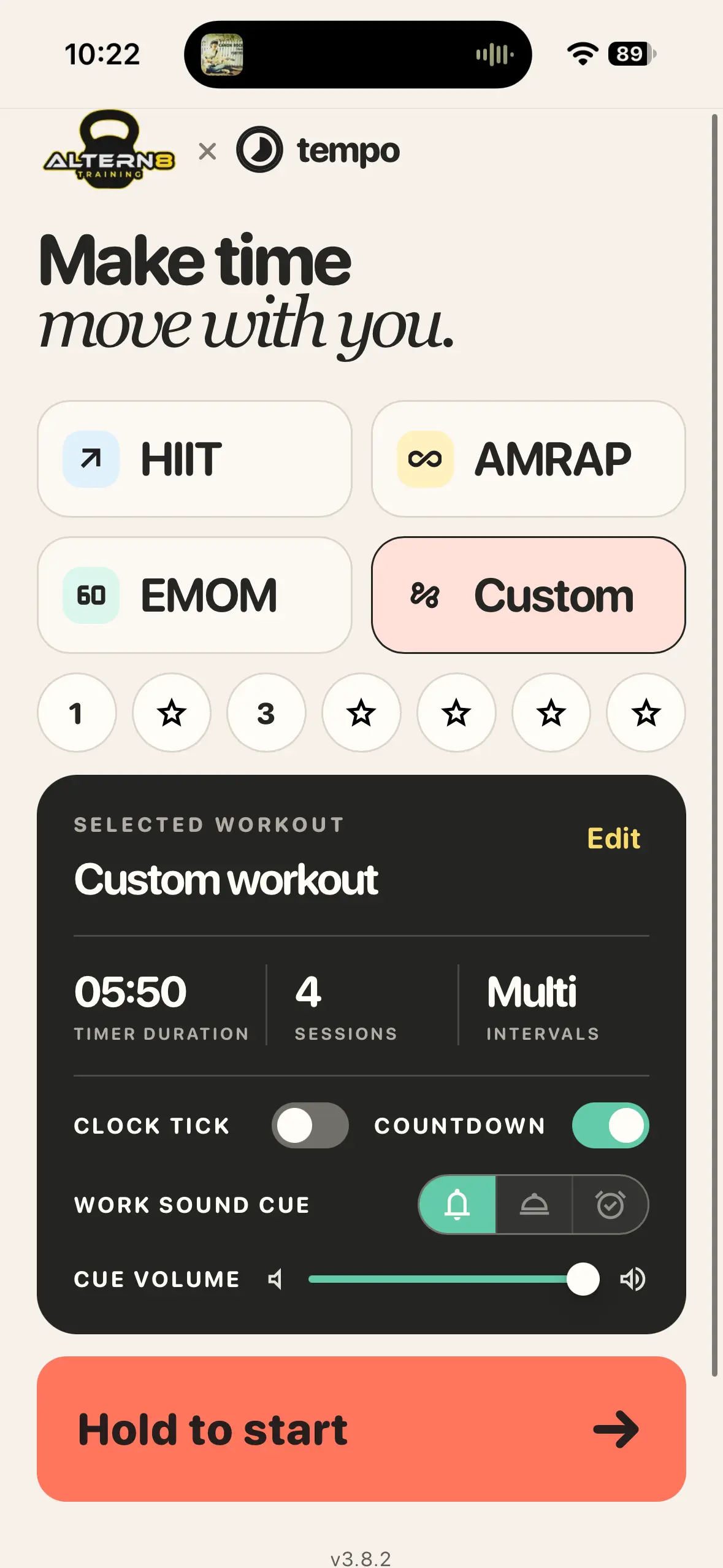
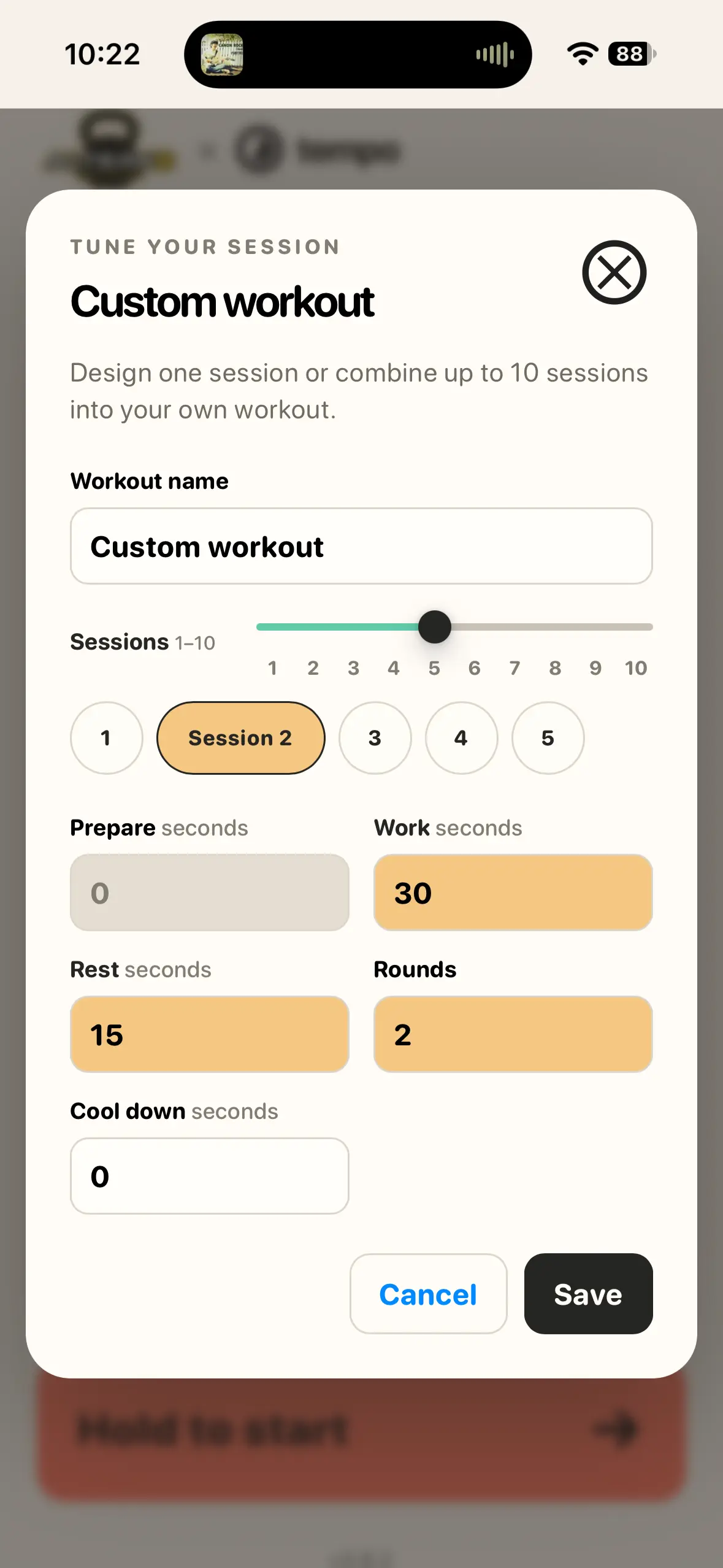
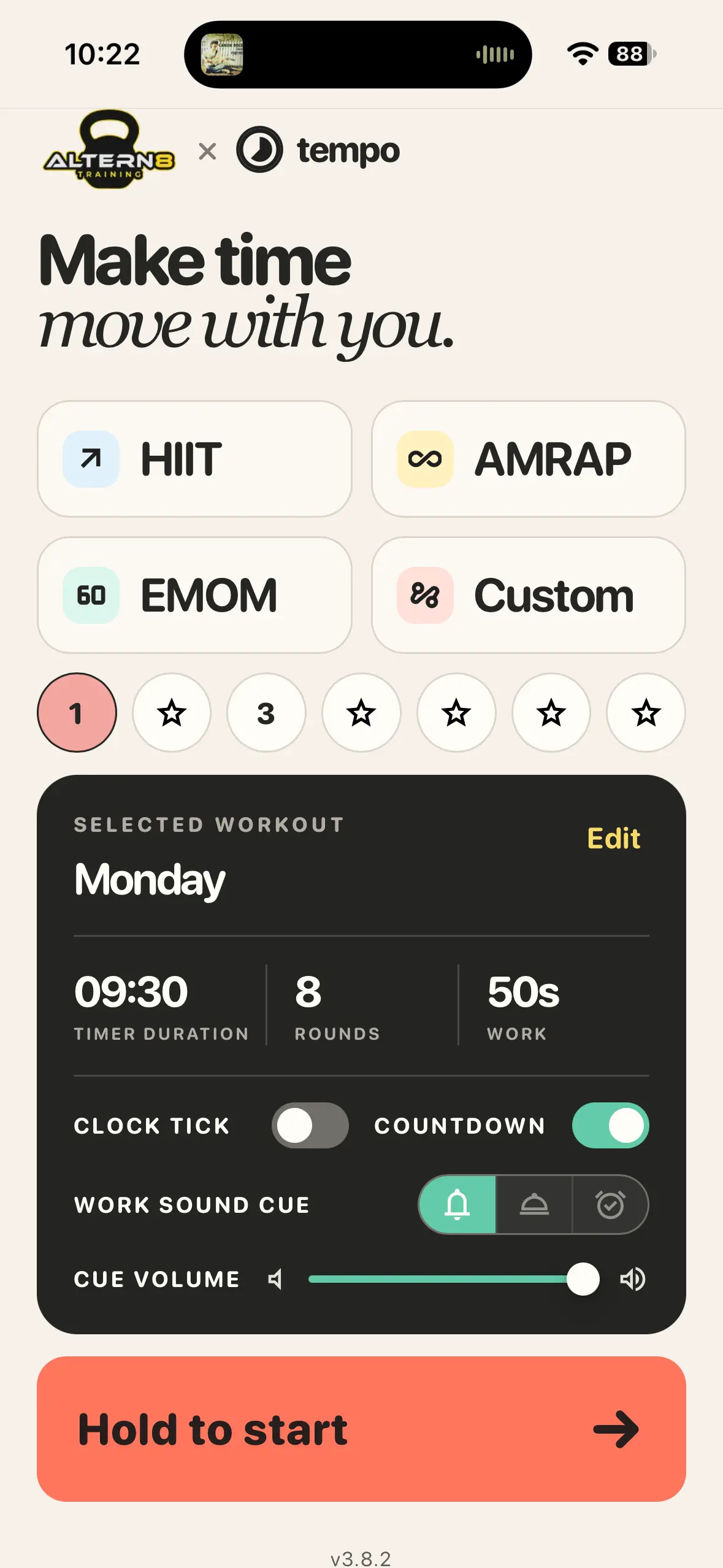
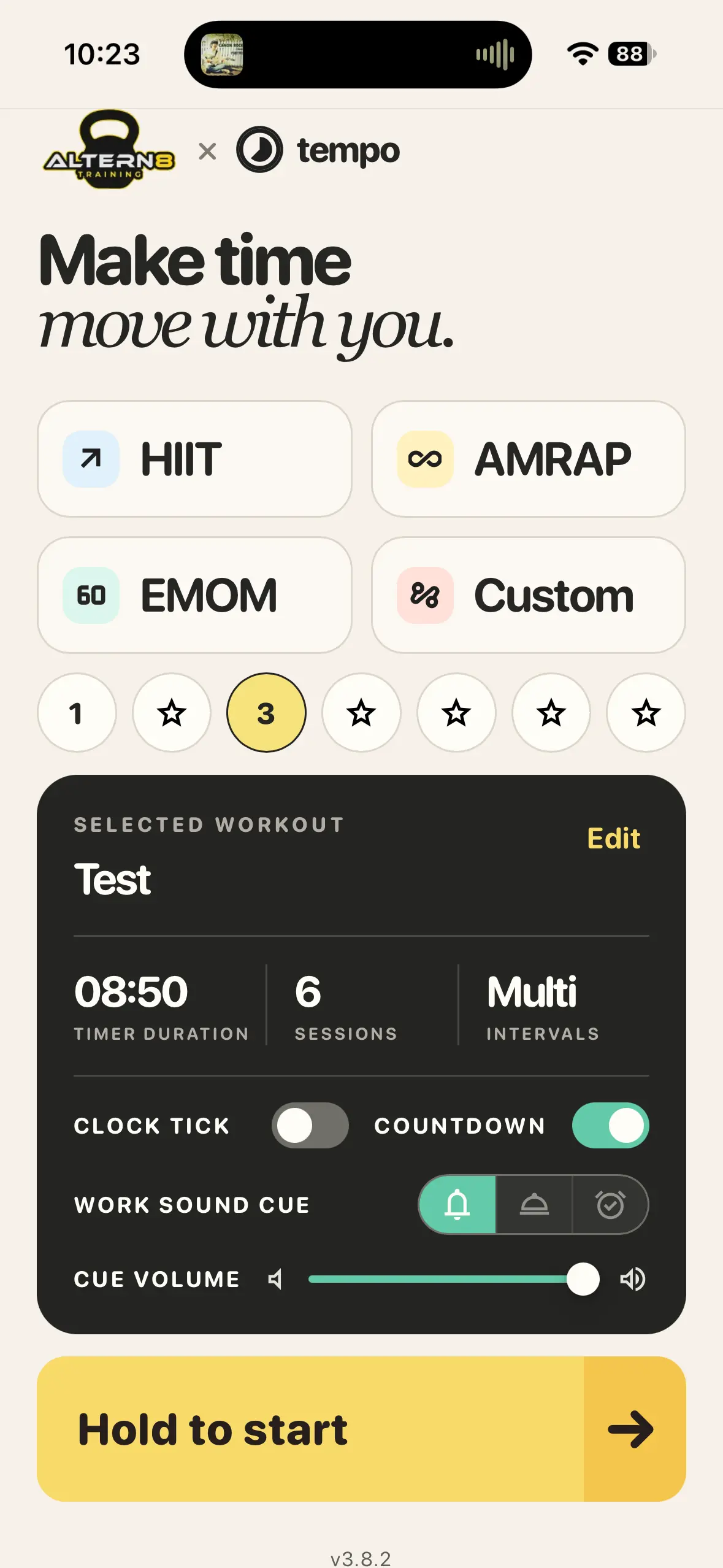
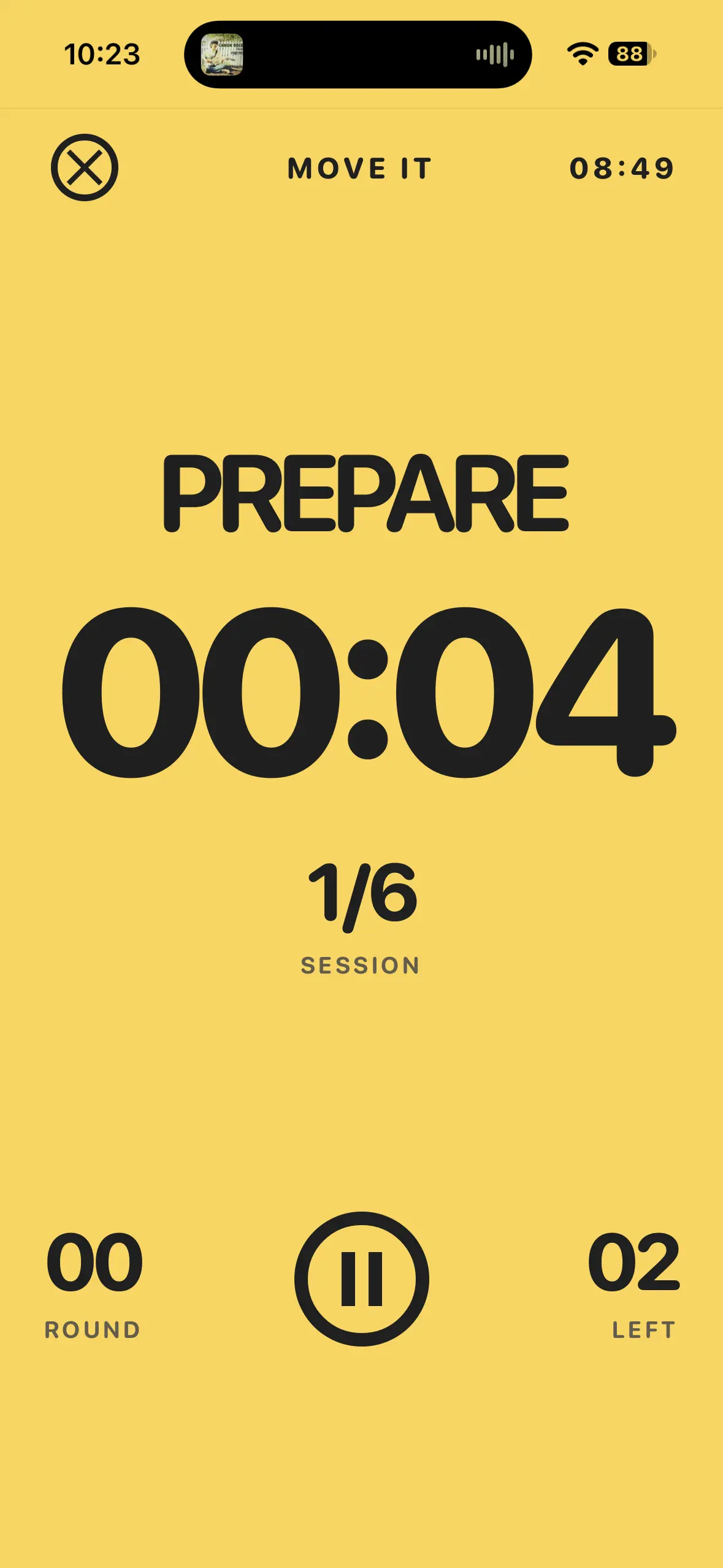
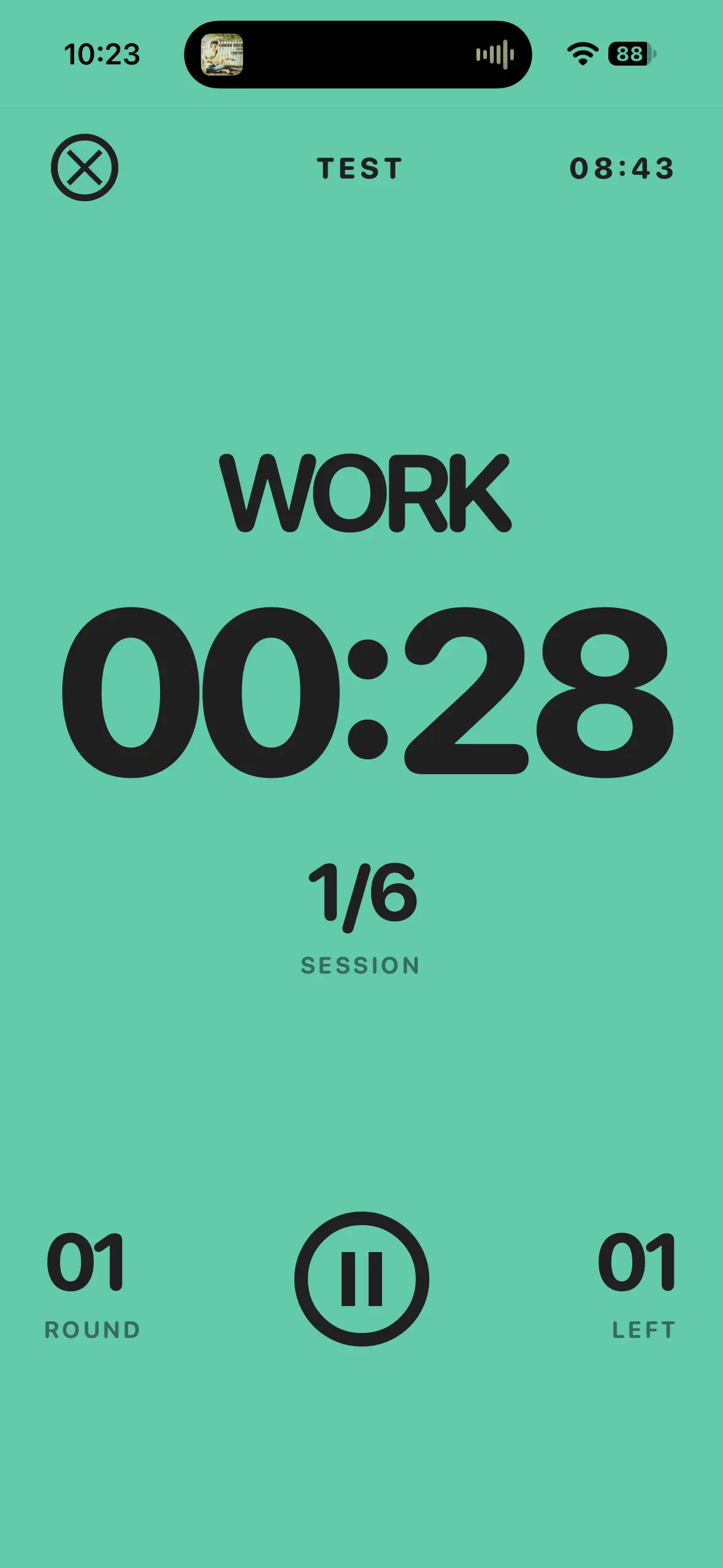
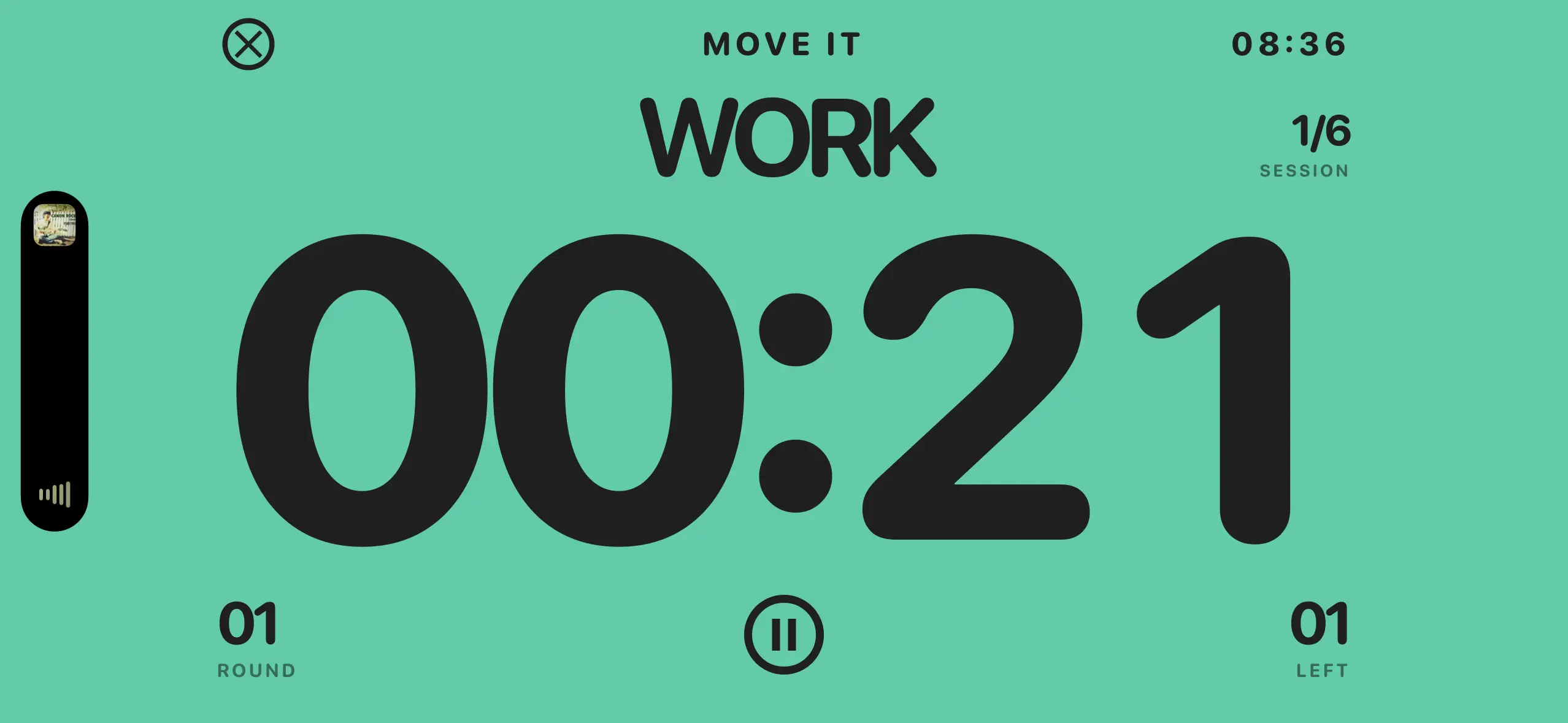
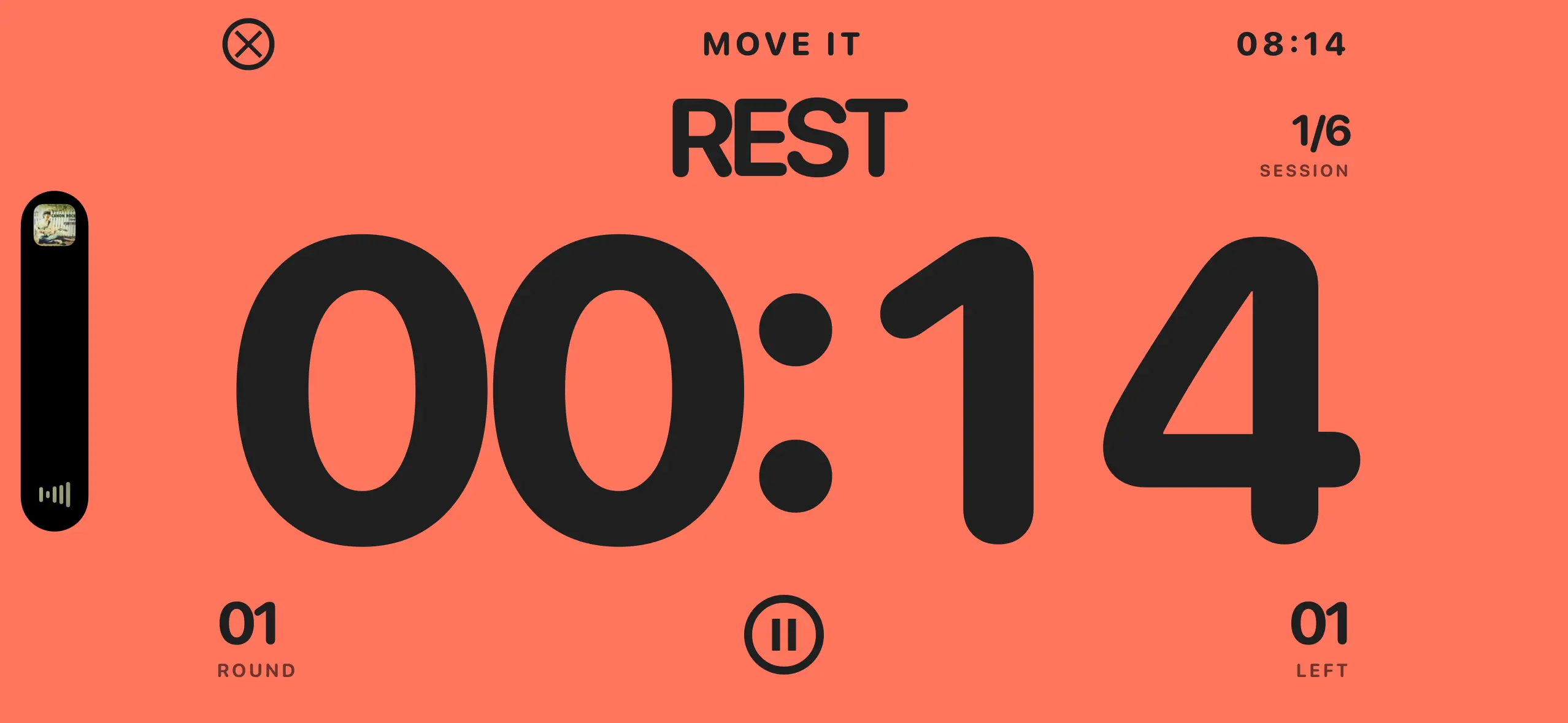
Choose HIIT, AMRAP, EMOM, or a custom workout, then make it your own. Tempo saves edits to its main plans, supports up to ten sessions in a custom workout, and keeps up to seven favorite workouts close at hand. Each plan can set preparation, work, rest, rounds, cool-down, clock tick, countdown, work-transition cue, and cue volume. During a session, the full-screen timer keeps the phase, workout name, remaining time, rounds, and session number easy to read at a glance.
Built Through Feedback
The turning point came from conversations with the gym coach and the steady cycle of using, noticing, and improving the app. An early iPhone and iPad version used the playback audio channel for its cues, which could stop music or another audio app during a workout — even though the same setup appeared fine in desktop browsers.
Changing Tempo to the ambient audio channel let its cues sit alongside a workout playlist, podcast, or other audio. Testing uncovered a useful real-world detail too: with an iPhone set to silent, the built-in speaker stayed quiet while AirPods and a Bluetooth gym speaker still carried the cues. That makes Tempo especially useful for group fitness without asking the room to give up its music.
A second round of testing revealed a subtler problem. If the PWA was briefly backgrounded while a cue was pending, that cue could arrive late when Tempo returned to the foreground. Tempo now cancels interrupted cues instead of replaying them out of context, then re-arms its audio only when it is visible again. It does not promise to cue while backgrounded — mobile browsers may suspend a PWA's audio — but it prepares the app for the next appropriate cue once it returns.
Offline-First Updates
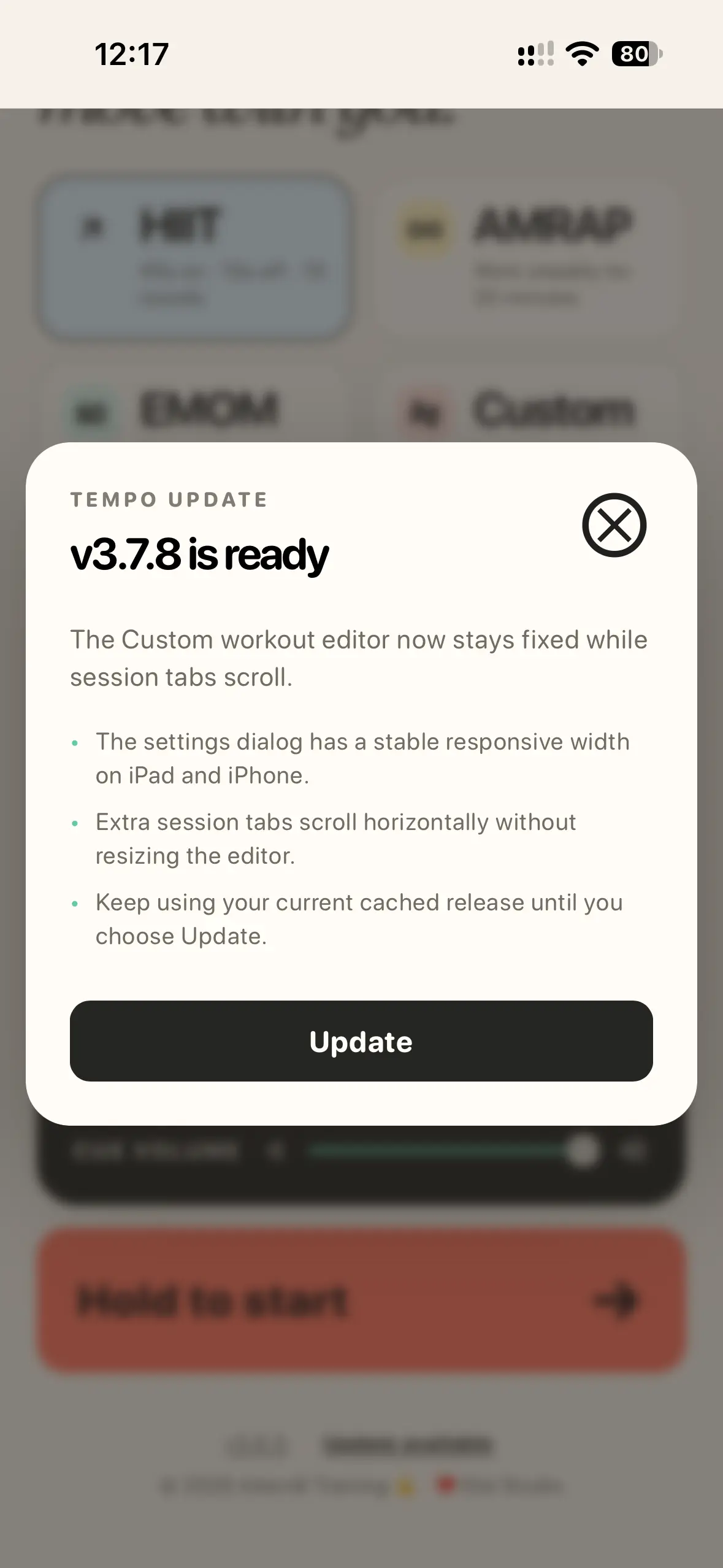
After its first online launch, Tempo keeps a complete release cached on the device so it can open and run without a connection. When a newer release is available, the app shows an update notice with its release details. Users can choose Update to install the latest version, or continue using the version they already have; Tempo keeps that current release in place until they decide to change it. Updates arrive as complete cached releases, so a workout is never interrupted by a half-updated app or an unexpected reload.
The Update Journey
v1 — The focused timer. Tempo began with the essentials: interval presets, custom workouts, full-screen iPhone and iPad timing, workout cues, and a screen kept awake for training.
v2 — A more dependable training companion. Feedback from a gym coach led to music-friendly ambient audio, while offline updates, cue controls, a clearer loading experience, and selectable work cues made the timer more resilient and easier to trust mid-session.
v3 — A timer that remembers your rhythm. The current app adds custom workouts with up to ten sessions, seven favorite slots, independent saved plans, named workout headers, refined iPad layouts, touch-safe controls, and more reliable cue recovery.
What Makes It Different
Tempo treats the timer as part of the workout environment, not a busy dashboard. The interface stays tactile and uncluttered, with visual pacing and optional audio cues doing the work of keeping a session moving. Practical PWA details — keeping the screen awake during an active workout when supported, touch-safe controls that do not highlight button labels, and updates that wait for the user's decision — make the experience dependable without adding distraction.
With Thanks to Altern8 Training
Tempo has been shaped with Altern8 Training through real sessions, candid feedback, and the opportunity to improve the app where it matters most: on the gym floor. Thank you to the Altern8 team for the partnership. We look forward to seeing Tempo continue to evolve alongside them and support the many trainers who put it to work.
Screenshots